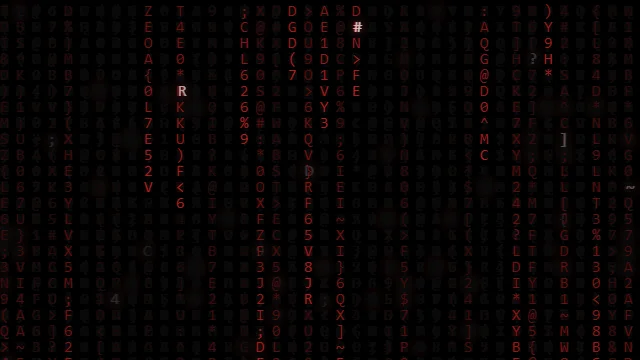
How to Customize Matrix Rain Colors & Speed
The Matrix Digital Rain is one of the most iconic effects in web history. But did you know you can completely change its vibe with just a few clicks in HTMLHub?
In this tutorial, we’ll learn how to transform the classic green rain into a Crimson Glitch Stream or any other color scheme.
1. Using the Customizer
Every effect on HTMLHub comes with a built-in Customizer Panel (available on desktop).
- Navigate to the Crimson Glitch Stream page.
- Open the Customize tab on the left.
- Colors:
- Text Color: Change this to your primary color (e.g., Cyan
#00ffff). - Background: Adjust the darkness.
- Text Color: Change this to your primary color (e.g., Cyan
- Speed:
- Use the Speed Slider to slow it down for a chill vibe (0.5x) or speed it up for chaos (2.0x).
- Font:
- Select “JetBrains Mono” for a modern developer look, or “Katakana” for authentic anime style.
2. Implementing in Code
Once you’re happy with your design, click the Copy Code button. You’ll see variables like this:
:root {
  --matrix-text: #00ffff;
  --matrix-bg: #0d0208;
  --htmlhub-speed: 1.5;
}
Simply paste this into your project’s CSS, and the JavaScript will automatically pick up the values!
3. Advanced: Changing the Symbols
Want to use emojis instead of text?
- Download the code.
- Open
index.html. - Find the
charactersstring in the JavaScript. - Replace it with:
const characters = '💻📱🖥️⌨️';
Now you have raining tech emojis!
Happy coding!