Celebration • @envato elements
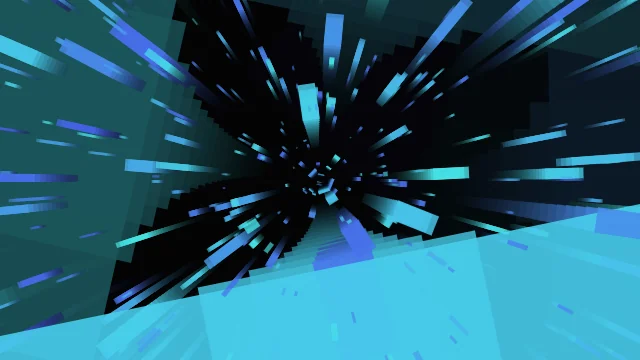
Cyber Fiber Optics
htmlhub
A curated collection of lightweight, customizable HTML5/CSS/WebGL animations for modern websites. Instantly enhance your designs with copy-paste code.
Creative code library
Copy-paste HTML Canvas & WebGL No framework lock-in Source-first previews
Featured animations
3D & WebGL • @htmlhub
Celebration • @htmlhub
Retro & Cyberpunk • @htmlhub
Particles & Systems • @htmlhub
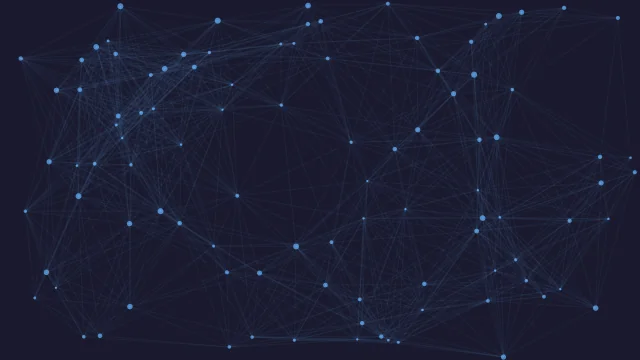
Particles & Systems • @htmlhub

3D & WebGL • @strikingly
3D & WebGL • @strikingly
Animation copy feed
Preview it. Copy it. Ship it.
Curated motion snippets with live previews, clear metadata, and direct access to the standalone HTML file.
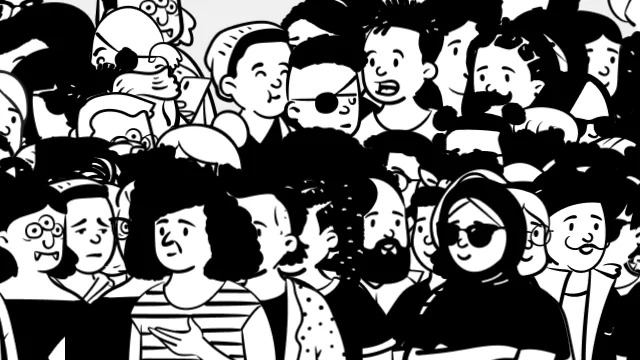
svg
01 / Celebration
Walking Peeps
Animated characters walking across the screen.
characters walking animation sprites
threejs
02 / 3D & WebGL
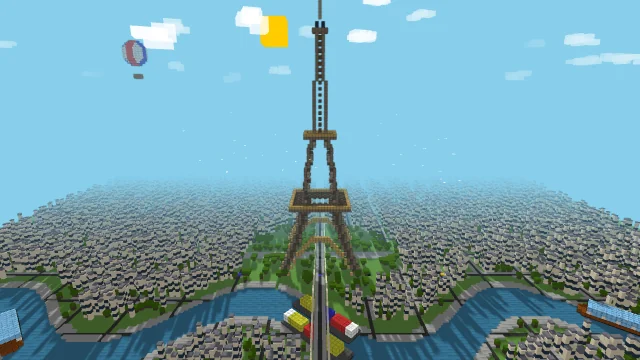
Voxel Paris
3D voxel representation of a city scene.
voxel paris city eiffel tower
canvas
03 / Celebration
Supernova
Explosive supernova event and rebirth.
supernova collapse rebirth cycle
canvas
04 / Retro & Cyberpunk
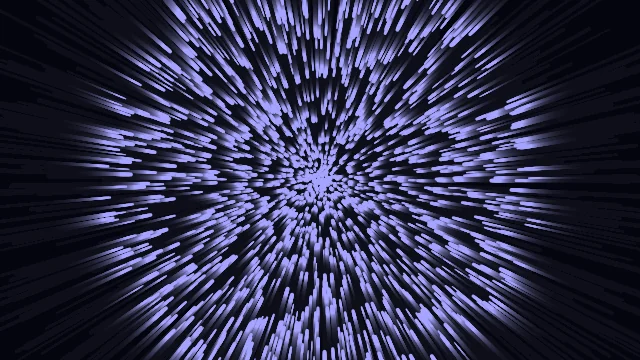
Cyber Fiber Optics
Glowing fiber optic strands carrying data.
fiber optics cyber data transmission

canvas
05 / Particles & Systems
Cosmic
Deep space cosmic background effect.
space cosmic universe galaxy
Browse by category
Find the motion style first
Start by visual intent, then narrow by technology and performance inside the library.

HTMLHub originals
Built for copy, paste, and customization
Original and refined effects that work well as hero backgrounds, interactive accents, and fast creative experiments.
Particles & Systems • @htmlhub
Text & Typography • @htmlhub
Particles & Systems • @htmlhub
Text & Typography • @htmlhub
Learn
Learn with Tutorials
A practical learning shelf for builders using AI, editors, and web tools to ship polished motion.
AI
Use AI to Pick the Right Motion
- 1 Describe the page you are building, the mood, and where the animation will sit.
- 2 Ask AI for 3 motion directions, then search HTMLHub by category or technology.
- 3 Open the best match in the live editor and tune colors, speed, and density.
- 4 Copy the final code into your project and ask AI to help place it cleanly.
</>
Customize Without Starting from Scratch
- 1 Open an effect page and launch the HTMLHub editor.
- 2 Use the visual controls first, then edit the source only when needed.
- 3 Ask AI to explain any unfamiliar CSS or JavaScript before changing it.
- 4 Save the final version as a reusable snippet for future projects.
GO
Ship the Animation Safely
- 1 Test the effect on mobile before adding it to a production page.
- 2 Prefer lightweight effects for hero sections and high-traffic landing pages.
- 3 Use the copied standalone file as a reference when integrating into Astro, React, or plain HTML.
- 4 Keep a static fallback image if the animation is decorative.
Resources
Tools, partners, and transparent links
HTMLHub can recommend useful creative tools and hosting without hiding what is sponsored or partner-supported.
Animation inspiration
Study Codrops, Vanta.js, and other creative coding references without losing sight of clean copy-paste implementation.
Open resources ->Transparent partners
Partner links are grouped with clear disclosure so the library stays useful without hiding what is sponsored.
Open resources ->Production-minded remixing
Use lightweight effects as starting points for portfolios, landing pages, experiments, and client-ready interfaces.
Open resources ->