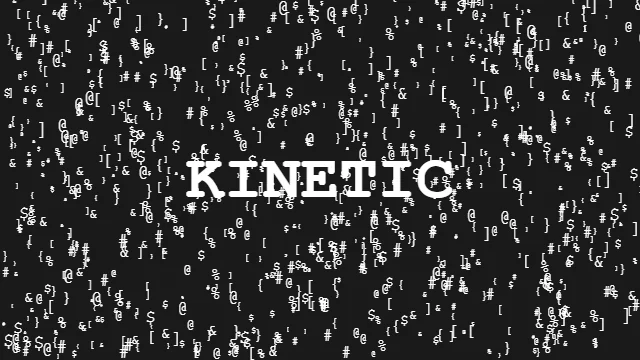
Mastering Kinetic Typography for the Web
Typography is the absolute foundation of web design. However, as browser rendering capabilities have skyrocketed, we are no longer confined to static <h1> tags. Kinetic Typography — text that moves, reacts, and transforms — has become one of the most powerful tools in a frontend developer’s arsenal.
Why Use Kinetic Typography?
Traditional reading is passive. Kinetic typography turns reading into an active, visual experience. It allows you to emphasize specific words, control the pacing of the user’s reading speed, and inject immense personality into your brand’s messaging.
Incredible Use Cases
HTMLHub provides several lightweight, plug-and-play text effects that you can use to immediately upgrade your headers:
1. The Interactive Swarm
Imagine text that breaks apart into a swarm of particles when a user hovers over it, only to reform when the mouse moves away. The Kinetic Typography Swarm effect does exactly this, using optimized HTML5 Canvas to handle thousands of particles seamlessly. It is the perfect interactive hero element for a creative portfolio.
2. The CRT Boot Sequence
For retro-themed sites, developer tools, or hacker-style portfolios, you want text that feels like it’s being typed directly into a terminal. A CRT Boot Sequence effect adds nostalgic scanlines, typing delays, and cursor blinking to give your messaging an unmistakable tech flavor.
3. Dynamic Shadows and Glows
Sometimes you don’t need the text to explode—you just need it to feel alive. Subtle looping animations like a breathing Neon Halo or a shifting directional Long Shadow can make a static headline feel dynamic without distracting the reader.
Implementation Tips
When implementing these effects, remember these golden rules:
- Accessibility First: Always ensure your animated text has a hidden screen-reader fallback (e.g., using
aria-label). The animations are visually stunning, but they usually require<canvas>or split<span>tags which screen readers struggle with. - Contrast is King: An animated text effect is useless if it can’t be read. Use the HTMLHub Studio to lock in high-contrast background and foreground colors before exporting your code.
Dive into the Text & Typography section of HTMLHub to find the perfect effect for your next big headline!