live - 60fps 1920 x 1080
<!DOCTYPE html>
<html lang="en">
<head>
  <meta charset="UTF-8" />
  <title>Colorful Ribbons</title>
  <!-- p5.js library used by the original sketch -->
  <script src="https://github.com/processing/p5.js/releases/download/0.6.0/p5.min.js"></script>
  <style>
    * { margin: 0; padding: 0; }
    html, body { width: 100%; height: 100%; overflow: hidden; }
    canvas { display: block; }
    #controls {
      margin: 20px;
      position: absolute;
      top: 0;
      left: 0;
      color: white;
    }
  </style>
</head>
<body>
  <div id="controls"></div>
  <script>
    /* Based on the "Ribbons 2" p5.js sketch. This script creates wandering
     * points that connect to a neighbor with lines, producing a colorful ribbon
     * effect. Click to reset the canvas. */
    let points = [];
    let tickSpeed = 10;
    let base = 180;
    let numPoints = 10;
    let maxTicks = 3000;
    let ticks = 0;
    function Point(x = random(width), y = random(height), a = random(PI)) {
      this.x = x;
      this.y = y;
      this.a = a;
      this.dx = cos(a);
      this.dy = sin(a);
      this.hue = (random(100) + base) % 360;
      this.color = color(this.hue, 100, 100, 0.01);
    }
    Point.prototype.update = function() {
      this.x += this.dx;
      this.y += this.dy;
      if (this.x < 0 || this.x >= width) this.dx *= -1;
      if (this.y < 0 || this.y >= height) this.dy *= -1;
      stroke(this.color);
      line(this.x, this.y, this.neighbor.x, this.neighbor.y);
    };
    function setup() {
      // create full-screen canvas
      createCanvas(windowWidth, windowHeight);
      colorMode(HSB);
      windowResized();
      blendMode(ADD);
      strokeWeight(1.5);
    }
    function init() {
      points = [];
      base = random(360);
      ticks = 0;
      for (var i = 0; i < numPoints; i++) points.push(new Point());
      for (var i = 0; i < points.length; i++) {
        let j = i;
        while (j == i) j = floor(random(points.length));
        points[i].neighbor = points[j];
      }
    }
    function draw() {
      if (ticks > maxTicks) return;
      for (var n = 0; n < tickSpeed; n++) {
        for (var i = 0; i < points.length; i++) {
          points[i].update();
        }
        ticks++;
      }
    }
    function mouseClicked() {
      windowResized();
    }
    function windowResized() {
      resizeCanvas(windowWidth, windowHeight);
      pixelDensity(1);
      clear();
      background(0);
      init();
    }
  </script>
</body>
</html>About this animation
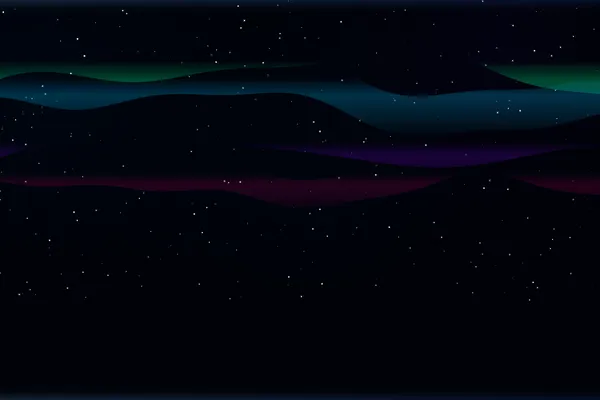
Waving colorful ribbons creating a playful background.
Under the hood
Parametric Equation Drawing
These ribbons are drawn on a canvas using parametric math formulas. By slowly shifting the variables over time, the lines drawn via
ctx.bezierCurveTo() overlap and twist, painting a smooth, colorful 3D-looking ribbon. Related