
Retro & Cyberpunk

Glitch & synthwave aesthetic effects

10 animations
Glitch effects CRT aesthetics Neon glows Synthwave style Retro computing
Category:
Technology:
Performance:
1-10 of 10
Crimson Glitch Stream preview
canvas
moderate
View Page

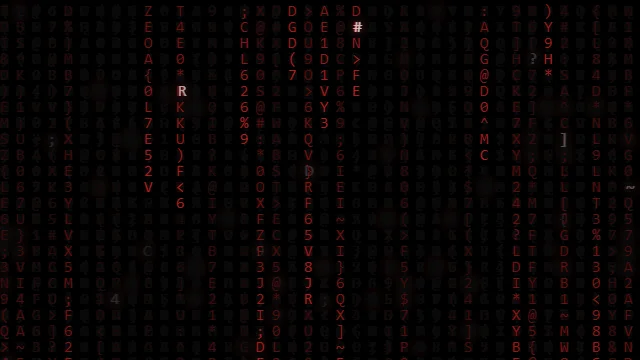
Crimson Glitch Stream

A crimson-colored data stream with glitch effects.

Retro & Cyberpunk #matrix #matrix rain
System Corruption Breach preview
css
lightweight
View Page

System Corruption Breach

Visual representation of a system security breach.

Retro & Cyberpunk #security #breach
Dynamic Pixel Flow preview
canvas
moderate
View Page

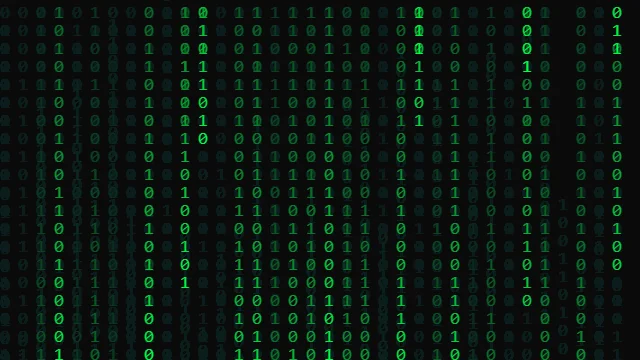
Dynamic Pixel Flow

Flowing grid of dynamic pixels.

Retro & Cyberpunk #matrix #binary
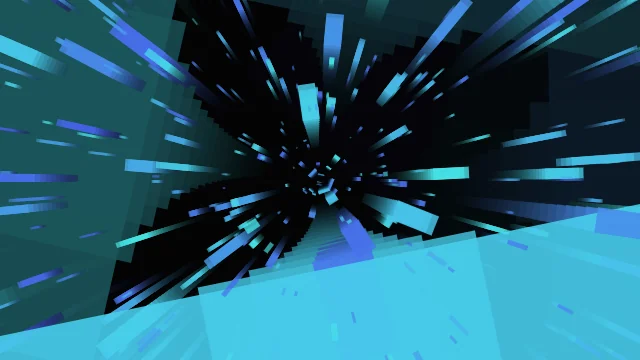
Hyperspace Corridor preview
css
lightweight
View Page

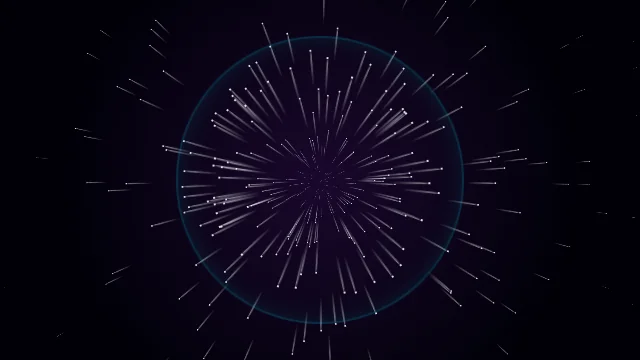
Hyperspace Corridor

Fast-moving corridor effect resembling hyperspace.

Retro & Cyberpunk #hyperspace #warp
CRT Boot preview
css
lightweight
View Page

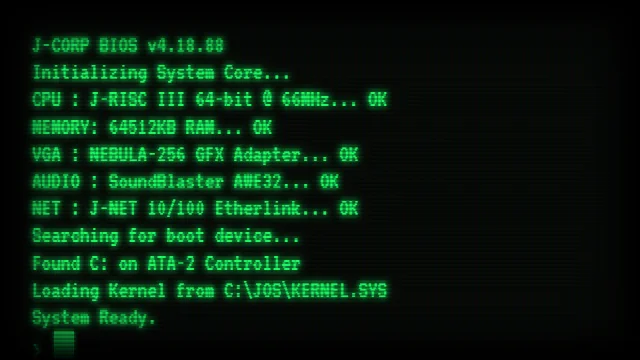
CRT Boot

Old school CRT monitor boot up sequence.

Retro & Cyberpunk #crt #terminal
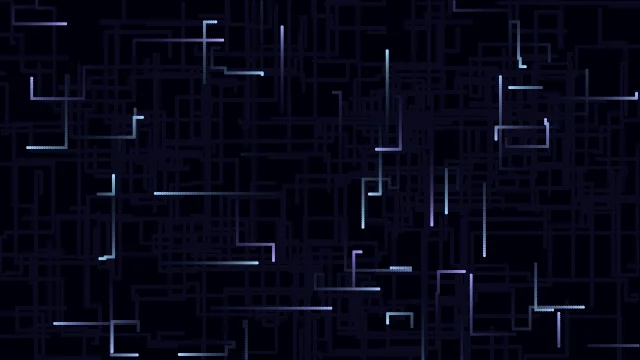
Cyber Fiber Optics preview
canvas ā˜…
moderate
View Page

Cyber Fiber Optics

Glowing fiber optic strands carrying data.

Retro & Cyberpunk #fiber optics #cyber
Circuit Tracers preview
canvas
moderate
View Page

Circuit Tracers

Electrons flowing through a digital circuit board.

Retro & Cyberpunk #circuit #pcb
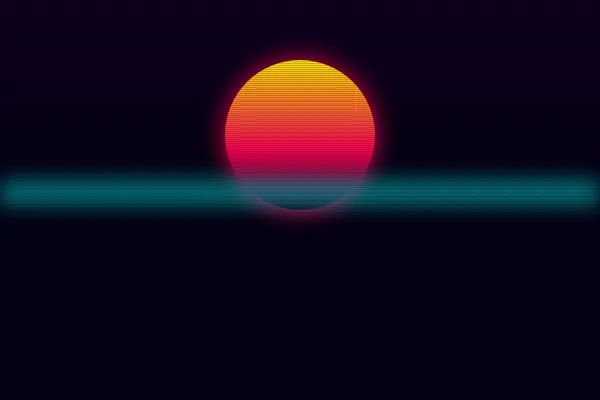
Synthwave Grid Run preview
css
lightweight
View Page

Synthwave Grid Run

An infinite, neon-glowing 80s outrun grid rushing towards the camera using strict CSS 3D perspective.

Retro & Cyberpunk #retro #synthwave
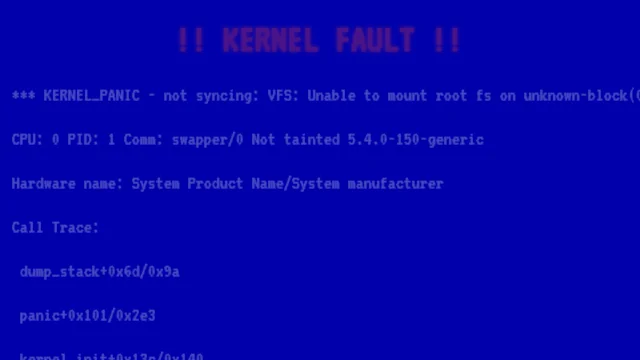
Kernel Panic preview
css
lightweight
View Page

Kernel Panic

Simulated system crash data dump.

Retro & Cyberpunk #kernel panic #bsod
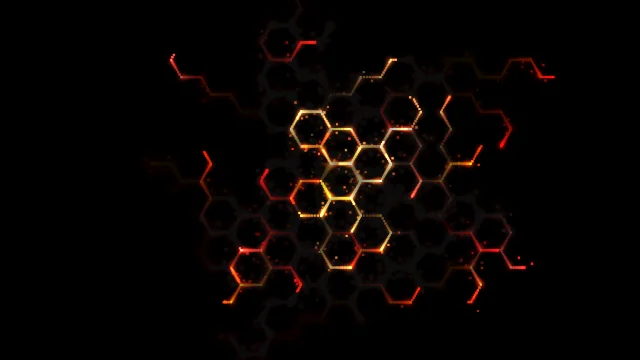
Neon Hexagons preview
css
lightweight
View Page

Neon Hexagons

Glowing hexagonal grid pattern with neon effects.

Retro & Cyberpunk #hexagon #hexagonal

Browse Other Categories

<svg xmlns="http://www.w3.org/2000/svg" width="24" height="24" viewBox="0 0 24 24" fill="none" stroke="currentColor" stroke-width="2" stroke-linecap="round" stroke-linejoin="round"><path d="M21 16V8a2 2 0 0 0-1-1.73l-7-4a2 2 0 0 0-2 0l-7 4A2 2 0 0 0 3 8v8a2 2 0 0 0 1 1.73l7 4a2 2 0 0 0 2 0l7-4A2 2 0 0 0 21 16z"></path><polyline points="3.27 6.96 12 12.01 20.73 6.96"></polyline><line x1="12" y1="22.08" x2="12" y2="12"></line></svg>

3D & WebGL

4 animations

<svg xmlns="http://www.w3.org/2000/svg" width="24" height="24" viewBox="0 0 24 24" fill="none" stroke="currentColor" stroke-width="2" stroke-linecap="round" stroke-linejoin="round"><rect x="3" y="3" width="18" height="18" rx="2" ry="2"></rect><circle cx="8.5" cy="8.5" r="1.5"></circle><polyline points="21 15 16 10 5 21"></polyline></svg>

Backgrounds

12 animations

<svg xmlns="http://www.w3.org/2000/svg" width="24" height="24" viewBox="0 0 24 24" fill="none" stroke="currentColor" stroke-width="2" stroke-linecap="round" stroke-linejoin="round"><polygon points="12 2 15.09 8.26 22 9.27 17 14.14 18.18 21.02 12 17.77 5.82 21.02 7 14.14 2 9.27 8.91 8.26 12 2"></polygon></svg>

Celebration

8 animations

<svg xmlns="http://www.w3.org/2000/svg" width="24" height="24" viewBox="0 0 24 24" fill="none" stroke="currentColor" stroke-width="2" stroke-linecap="round" stroke-linejoin="round"><path d="M11 4H4a2 2 0 0 0-2 2v14a2 2 0 0 0 2 2h14a2 2 0 0 0 2-2v-7"></path><path d="M18.5 2.5a2.121 2.121 0 0 1 3 3L12 15l-4 1 1-4 9.5-9.5z"></path></svg>

Interactive

5 animations

<svg xmlns="http://www.w3.org/2000/svg" width="24" height="24" viewBox="0 0 24 24" fill="none" stroke="currentColor" stroke-width="2" stroke-linecap="round" stroke-linejoin="round"><path d="M12 3v1m0 16v1m9-9h-1M4 12H3m15.364 6.364l-.707-.707M6.343 6.343l-.707-.707m12.728 0l-.707.707M6.343 17.657l-.707.707M16 12a4 4 0 11-8 0 4 4 0 018 0z"></path></svg>

Particles & Systems

11 animations

<svg xmlns="http://www.w3.org/2000/svg" width="24" height="24" viewBox="0 0 24 24" fill="none" stroke="currentColor" stroke-width="2" stroke-linecap="round" stroke-linejoin="round"><rect x="2" y="4" width="20" height="12" rx="2" ry="2"></rect><path d="M12 16v4"></path><path d="M8 20h8"></path></svg>

Retro & Cyberpunk

10 animations

<svg xmlns="http://www.w3.org/2000/svg" width="24" height="24" viewBox="0 0 24 24" fill="none" stroke="currentColor" stroke-width="2" stroke-linecap="round" stroke-linejoin="round"><polyline points="4 7 4 4 20 4 20 7"></polyline><line x1="9" y1="20" x2="15" y2="20"></line><line x1="12" y1="4" x2="12" y2="20"></line></svg>

Text & Typography

4 animations

Quick Start Guides

Get started with HTMLHub animations in minutes.

šŸ”

Find the Perfect Animation

  1. 1 Use the category filters above to narrow by type (3D, Particles, Text, etc.)
  2. 2 Filter by technology if you need pure CSS vs Canvas vs WebGL
  3. 3 Check the performance rating — lightweight is best for mobile
  4. 4 Click any card to see a live preview and source code
šŸ“‹

Use an Animation on Your Website

  1. 1 Click on an animation to open its detail page
  2. 2 Preview the effect in the live viewer
  3. 3 Click Download HTML to get the complete, standalone file
  4. 4 Copy the CSS and JS code into your project — each animation is self-contained
🧪

Test Performance Before You Ship

  1. 1 Open Chrome DevTools → Performance tab
  2. 2 Record while the animation runs for 5 seconds
  3. 3 Check that FPS stays above 50fps
  4. 4 If it drops, try a lightweight rated alternative

Source Code
Source Copied!
Loved this effect? Host your deployment globally for free on our partner networks:
Vercel Netlify Hostinger